5 Best Synthesizers for Beginners: Your First Hardware Synth
Table of Contents
What Makes a Synthesizer Good for Beginners?
5 Best Synthesizers for Beginners
Which Beginner Synth Should You Choose?
Key Takeaways
Choose for your music: basslines, chords and experimental textures call for different features.
Look for accessible controls: physical knobs and sliders help you connect an adjustment with what you hear.
Check the number of voices: this affects how many notes can sound together.
Consider the whole setup: keyboard feel, power, audio connections and recording equipment all matter.
Learn a few controls first: you can start making music before understanding every feature.
Buying your first synthesizer is exciting, until you start comparing oscillators, voices, filters and modulation options. How much do you actually need to understand before choosing one?
Start with what you want to play. A synth for basslines may offer a very different experience from one designed for chords. The keyboard, controls and recording connections matter just as much as the sounds.
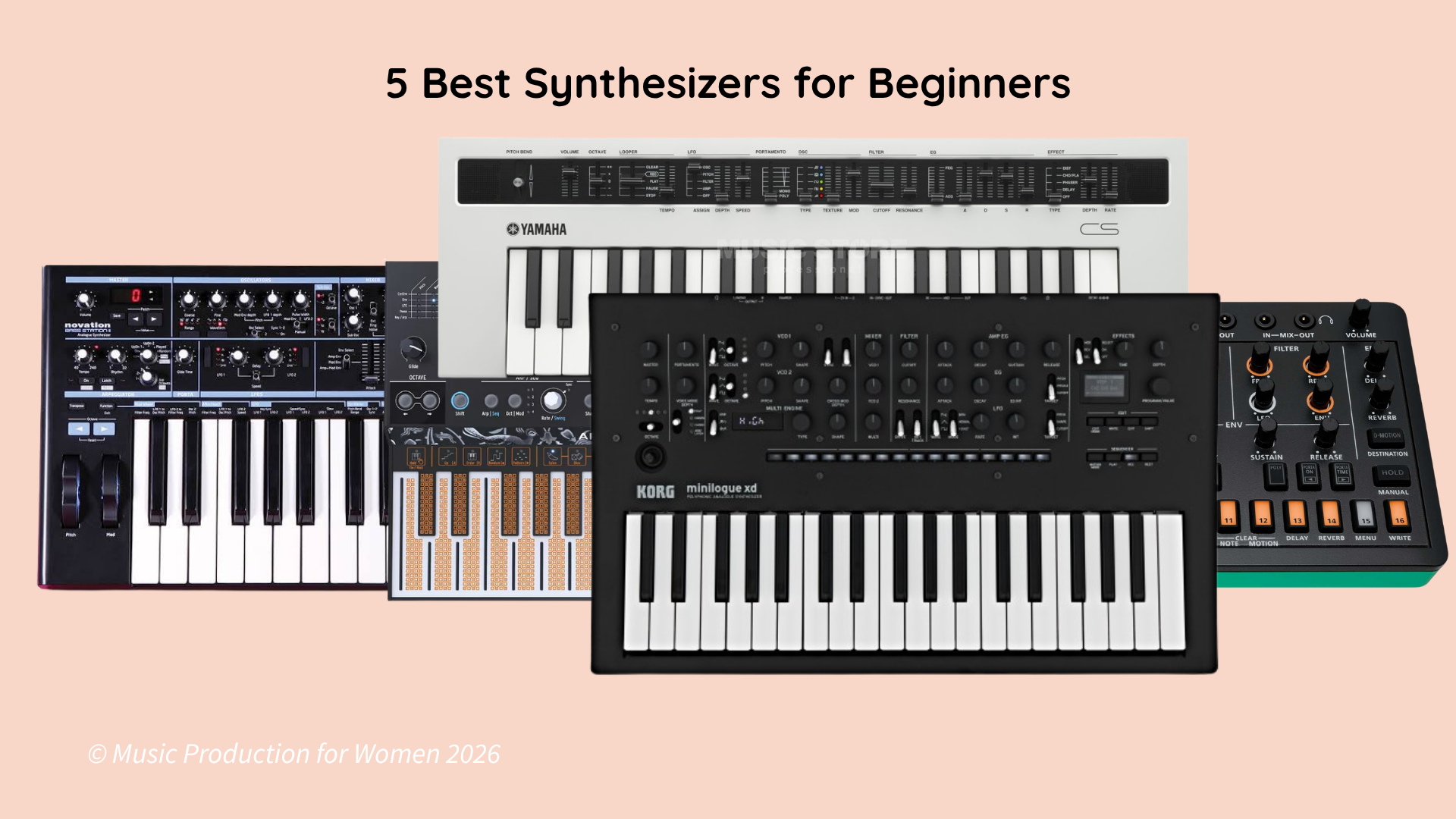
In this guide, we compare five hardware synths for beginners: the Novation Bass Station II, Korg minilogue, Yamaha reface CS, Arturia MicroFreak and Roland AIRA Compact S-1. Each offers a different way into synthesis, with strengths and compromises worth understanding before you buy.
What Makes a Synthesizer Good for Beginners?
Your first synth should make you want to keep playing. You don’t need to understand every function straight away, but you should be able to find the main controls and hear what they do.
Here are five things to consider.
1. Mono vs Poly: Enough Voices for What You Want to Play
The number of voices affects how you can use a synth:
Monophonic: plays one note at a time. This works well for basslines and lead melodies.
Polyphonic: plays several notes at once using independent voices, allowing chords and overlapping parts.
Paraphonic: can play multiple pitches, but they share parts of the sound-shaping chain, such as a filter. This changes how the notes respond when played together.
More voices don’t automatically mean a better instrument. If you mainly want to write basslines, a monophonic synth may suit you perfectly. If you want sustained chords, think about how many notes, and overlapping releases, you’ll need.
2. Analogue or Digital?
An analogue synth generates its sound using analogue electronic circuits. A digital synth generates its sound through digital processing. Some instruments combine both approaches, such as digital oscillators with an analogue filter.
Neither approach automatically sounds better or makes an instrument easier to learn. Listen to examples and consider the sounds you want to make and how you want to shape them.
3. Ease of Use: Controls You Can Learn With
Clearly labelled knobs and sliders make sound design easier to follow.
Lower a low-pass filter’s cutoff and the sound usually becomes darker. Increase the amplitude envelope’s attack time and the note fades in more gradually.
Being able to make these changes directly helps you learn through listening. Deeper menus and advanced modulation can wait until you’re comfortable with the basics.
4. Setup Fit: Keys, Power, Audio and MIDI
Before buying, work out how you’ll play the synth, power it, hear it and record it.
Full-size keys, slim keys, mini keys and touch keyboards all feel different. A compact keyboard can fit neatly beside a laptop, but smaller keys may feel cramped. A flat touch surface can offer expressive possibilities while taking time to get used to.
Try the instrument in person if you can. If you plan to use an external MIDI keyboard, check the connections and any cables or adapters you’ll need.
USB does not mean the same thing on every instrument. Some synths send MIDI over USB; others send both MIDI and audio.
MIDI carries performance instructions, such as which notes to play. Audio is the sound itself. If a synth doesn’t support USB audio, you’ll normally record its audio output through an audio interface using the appropriate cable.
5. Fun and Value: Features That Keep You Playing
An arpeggiator, sequencer or built-in effects can give you more ways to explore a simple sound.
An arpeggiator turns held notes into a pattern. A sequencer lets you record or program a musical phrase, leaving you free to experiment with the controls as it plays. Effects such as delay and reverb can add space and movement, although not every synth includes them.
Look for features you’ll actually use, rather than choosing the instrument with the longest specification list.
Remember to include any headphones, cables, adapters or audio interface in your budget. The best value is an instrument that fits your setup and makes you want to return to it.
5 Best Synthesizers for Beginners
1. Novation Bass Station II — Best for Learning Bass and Lead Sound Design
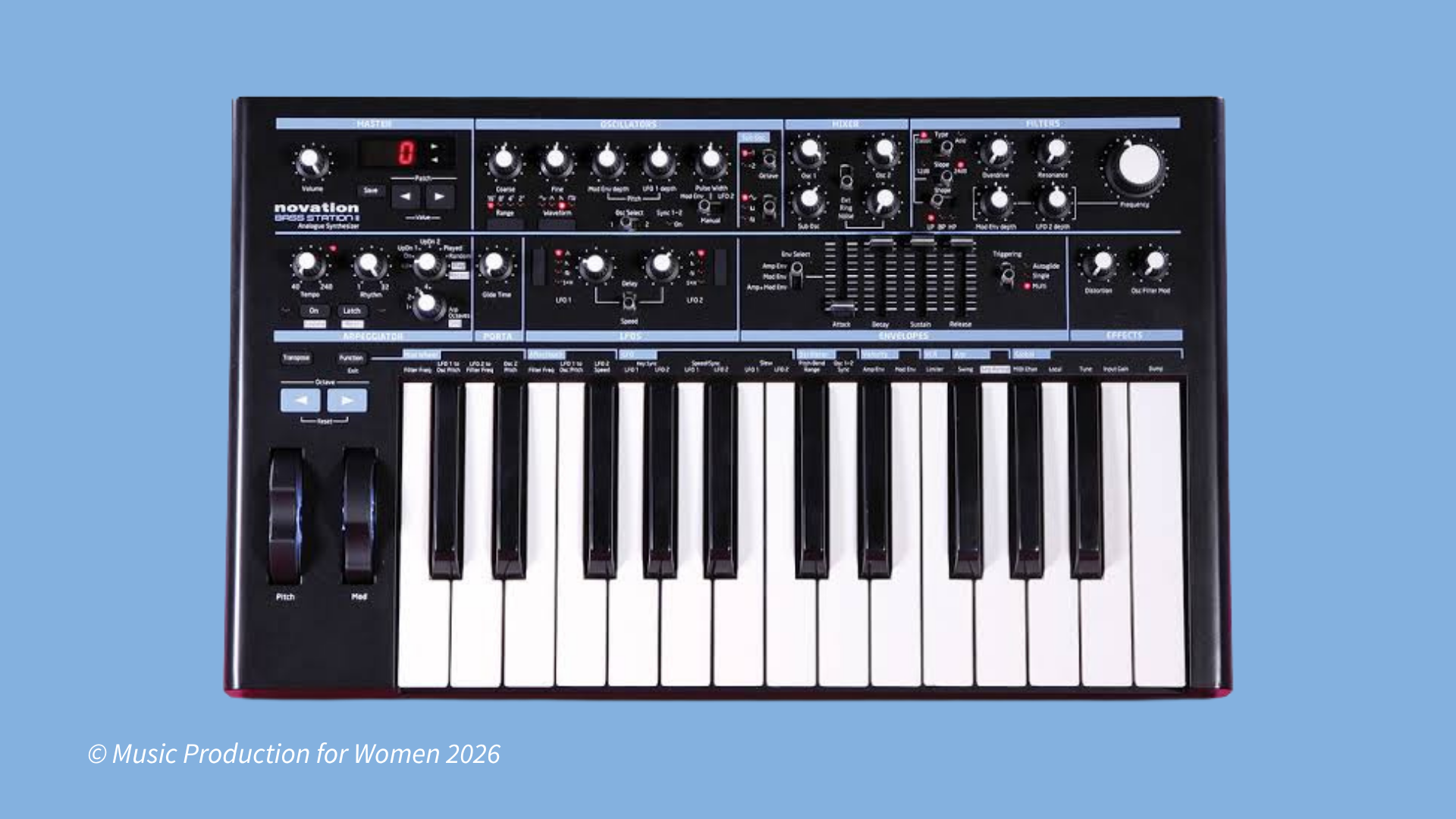
The Novation Bass Station II is a useful starting point if you want analogue basslines and leads with plenty of direct control.
Its sound engine combines two main analogue oscillators and a sub-oscillator. It also includes filters, envelopes, preset storage, an arpeggiator and a sequencer. The keyboard has 25 full-size keys with velocity sensitivity and aftertouch.
It is primarily monophonic. With the appropriate firmware, its two-note paraphonic mode allows the main oscillators to follow different notes while sharing the filter and amplifier.
Why it works for beginners:
Many of the main controls are on the panel. Start with a preset, turn the filter cutoff and listen to the change. Then adjust the envelope to move between short, punchy notes and longer, sustained sounds.
This makes it a practical beginner analogue synthesizer for learning subtractive synthesis: starting with a sound and shaping its harmonic content with a filter.
What keeps it interesting:
The arpeggiator and sequencer help you develop patterns. AFX Mode lets individual keys trigger different sound variations, opening up more experimental uses.
Best for:
Electronic basslines, expressive leads and learning hands-on sound design.
Keep in mind:
Its two-note paraphonic mode adds flexibility, but it won’t replace a polyphonic keyboard for playing full chords. It also has no built-in delay or reverb.
2. Korg minilogue — Best for Exploring Analogue Chords
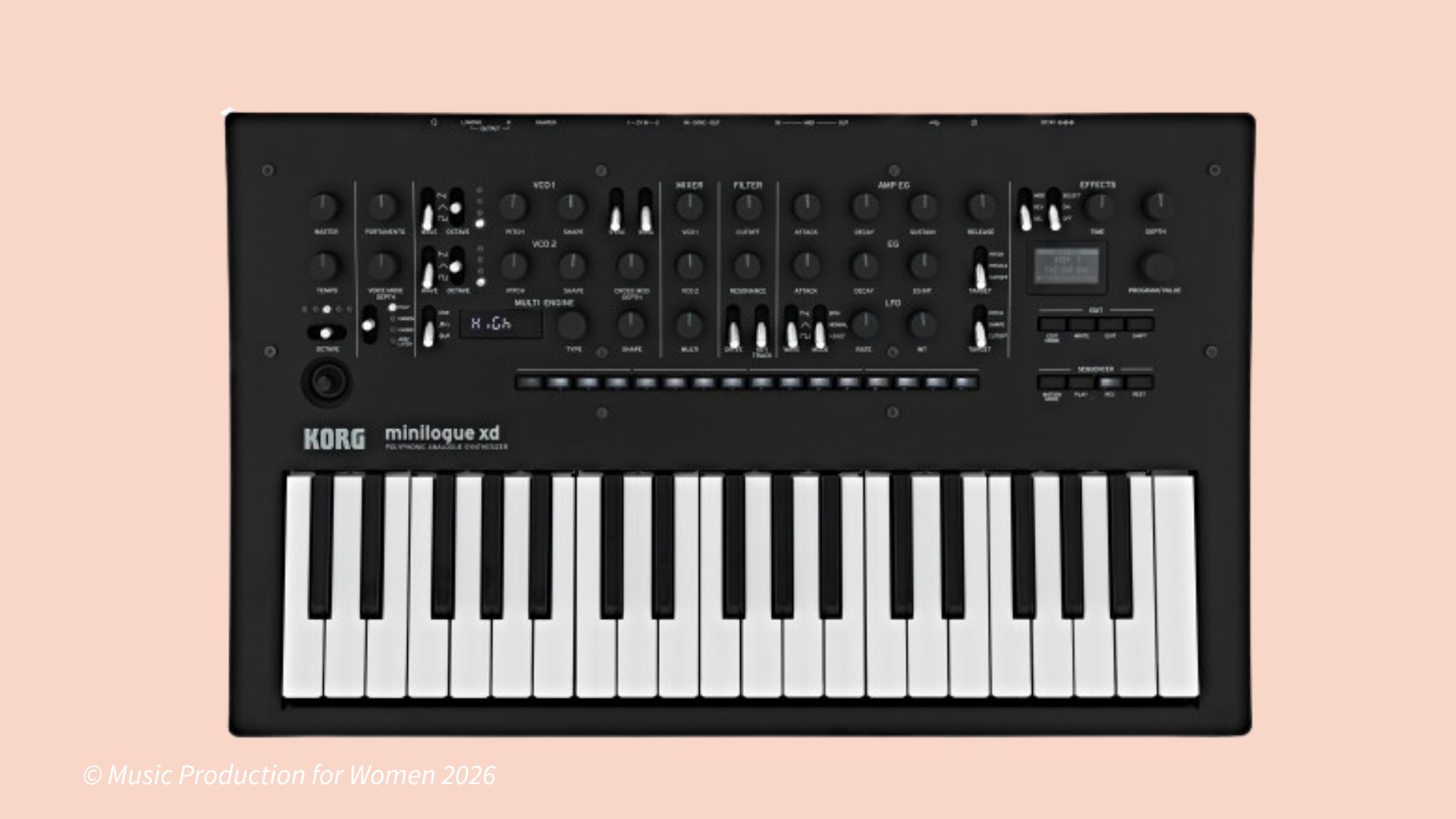
The original Korg minilogue offers a compact way to explore analogue synthesis while playing chords.
It has four voices, two analogue oscillators per voice and a 37-key slim keyboard. You also get preset storage, a built-in delay and a 16-step polyphonic sequencer.
Its oscilloscope display shows the waveform, giving you a visual reference as you adjust the sound.
Why it works for beginners:
Dedicated controls let you explore the oscillators, filter and envelopes without constantly opening menus. You can play a chord, change its tone and watch the waveform respond.
What keeps it interesting:
The sequencer can record notes and movements of selected controls. A simple chord pattern can become more animated as its sound changes on each repetition.
Best for:
Analogue chords, pads, melodic hooks and combining sound design with songwriting.
Keep in mind:
Four voices can run out quickly. Play a new chord while the previous one is still ringing, and some older notes may be cut off. The slim keys also feel narrower than standard piano keys.
3. Yamaha reface CS — Best for Learning Through Sliders
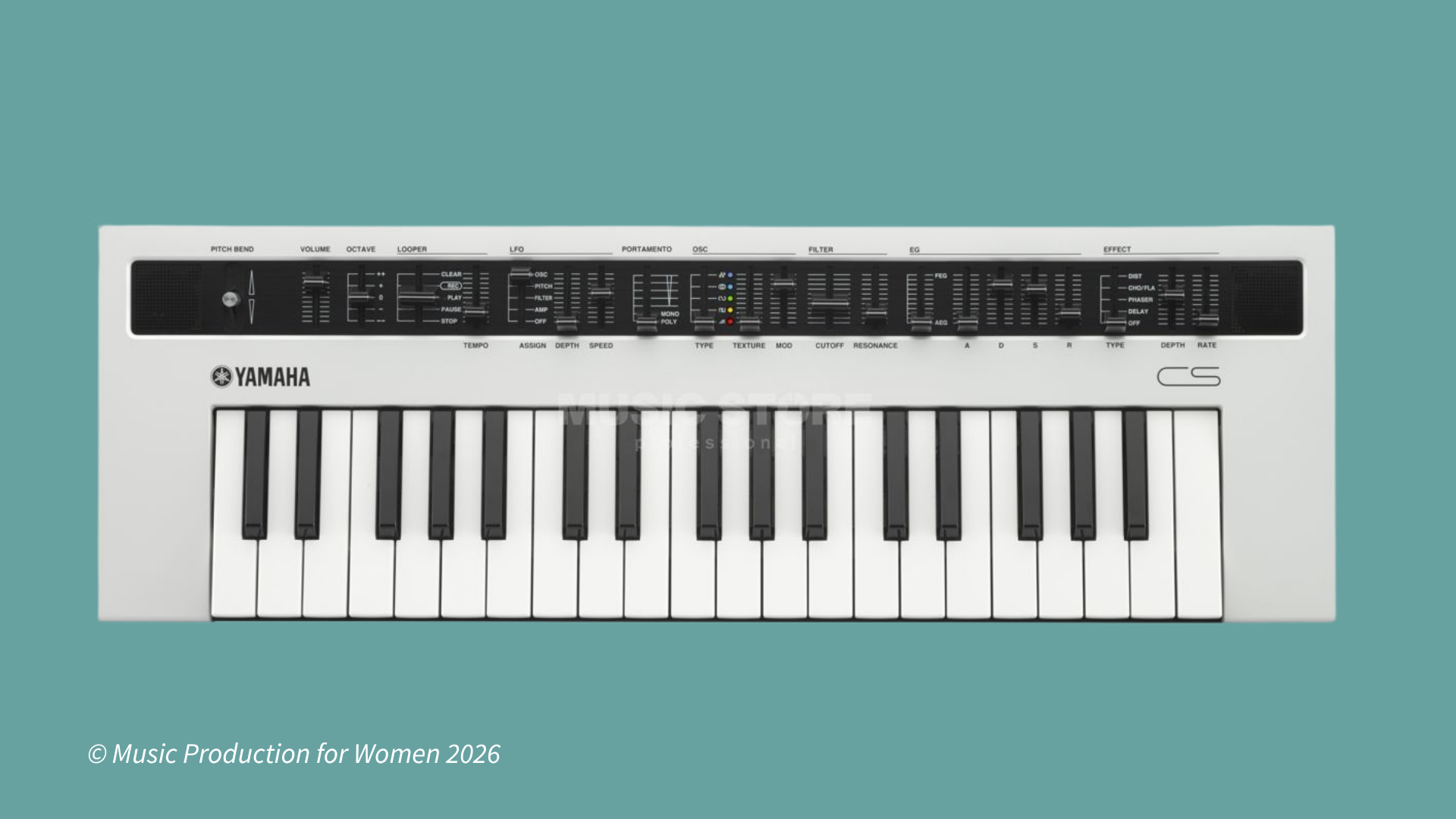
The Yamaha reface CS offers eight-note polyphony and a panel built around physical sliders.
It uses digital modelling and five oscillator types to create sounds ranging from familiar analogue-style tones to metallic and FM textures. Its 37 mini keys, built-in speakers and battery operation make it easy to play away from your desk.
Why it works for beginners:
There’s no screen or menu system to navigate for everyday sound shaping. Move a slider and listen to the result: increase the amplitude envelope’s attack for a slower fade-in, or raise the filter cutoff for a brighter tone.
What keeps it interesting:
Built-in chorus/flanger, phaser and delay give you more ways to shape the sound. The MIDI phrase looper can repeat a performance while you experiment with the controls.
Best for:
Learning synthesis through physical controls, playing chords and making music in a compact setup.
Keep in mind:
The reface CS has no onboard preset memory. Saving and recalling sounds requires a compatible external solution; otherwise, you recreate them with the controls. Its mini keys may also take some adjustment.
Battery operation uses AA batteries, rather than an internal rechargeable battery.
Want to dive deeper into synthesis?
Want to dive deeper into synthesis? Listen to our podcast episode for a full breakdown!

4. Arturia MicroFreak — Best for Experimental Sounds
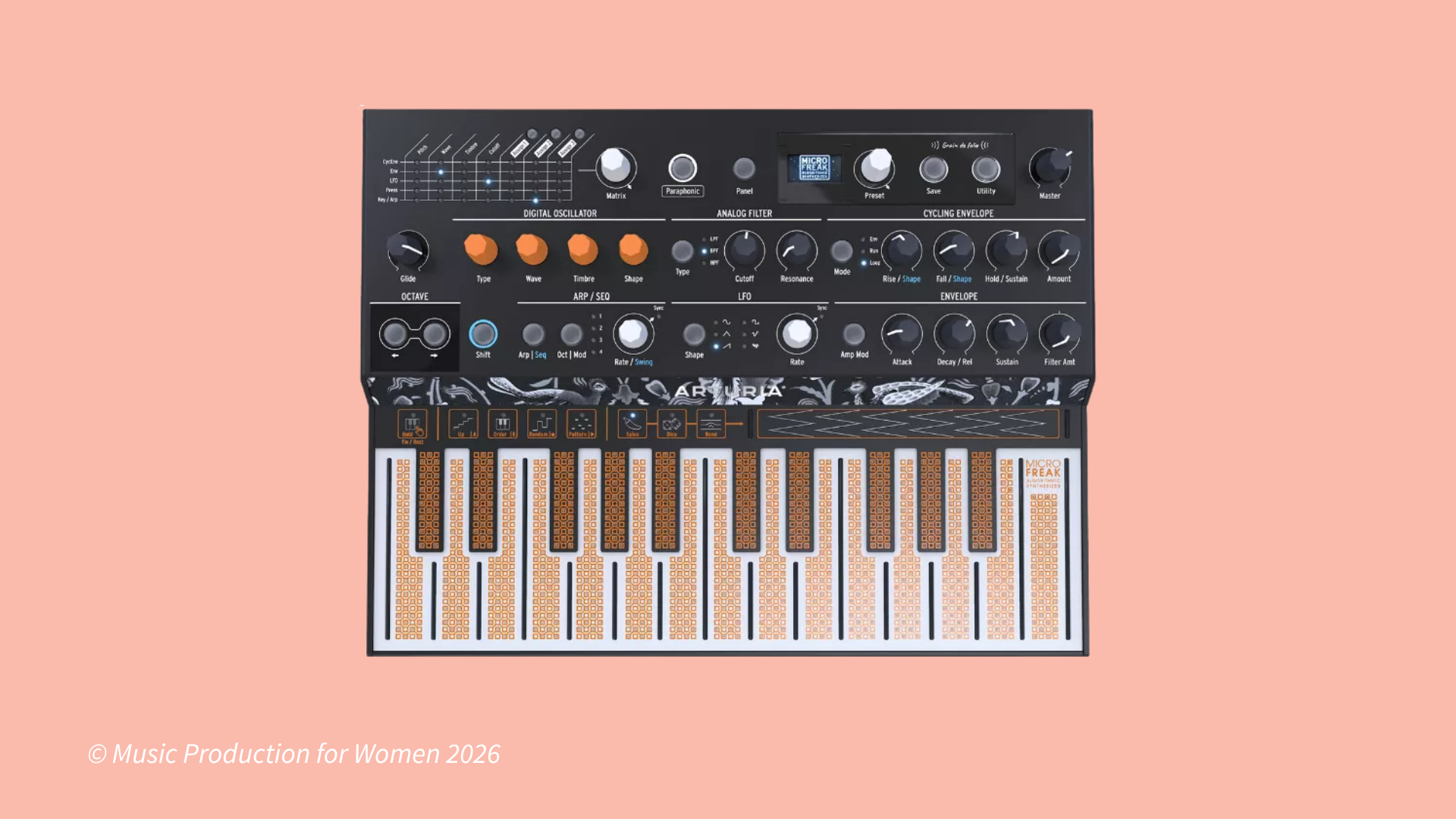
The Arturia MicroFreak combines digital sound engines with an analogue filter and a flat capacitive touch keyboard.
Its engines cover several approaches to synthesis, including wavetable, FM and physical modelling. It can produce basses and leads, metallic bells, plucked sounds and evolving textures.
It offers up to four-note paraphony, with notes sharing the analogue filter.
Why it works for beginners:
You can start with a preset, choose an engine with the Type knob, then explore its sound using Wave, Timbre and Shape. These three controls have different functions depending on the engine, so there is plenty to discover.
What keeps it interesting:
The arpeggiator, sequencer and modulation matrix let you build patterns and changing textures. It also includes a vocoder that works with a compatible microphone connected through its 3.5 mm TRRS headphone/microphone socket.
Best for:
Experimental music, unusual textures and beginners who enjoy exploring different ways of generating sound.
Keep in mind:
The touch keyboard has no moving keys and feels different from a conventional keyboard. Its capacitive response depends on finger contact, rather than the mechanical movement of a key.
There’s also more to learn as you switch between engines. It has no dedicated reverb or delay effects, so you’ll need your DAW or external equipment for those.
5. Roland AIRA Compact S-1 — Best for a Small Setup
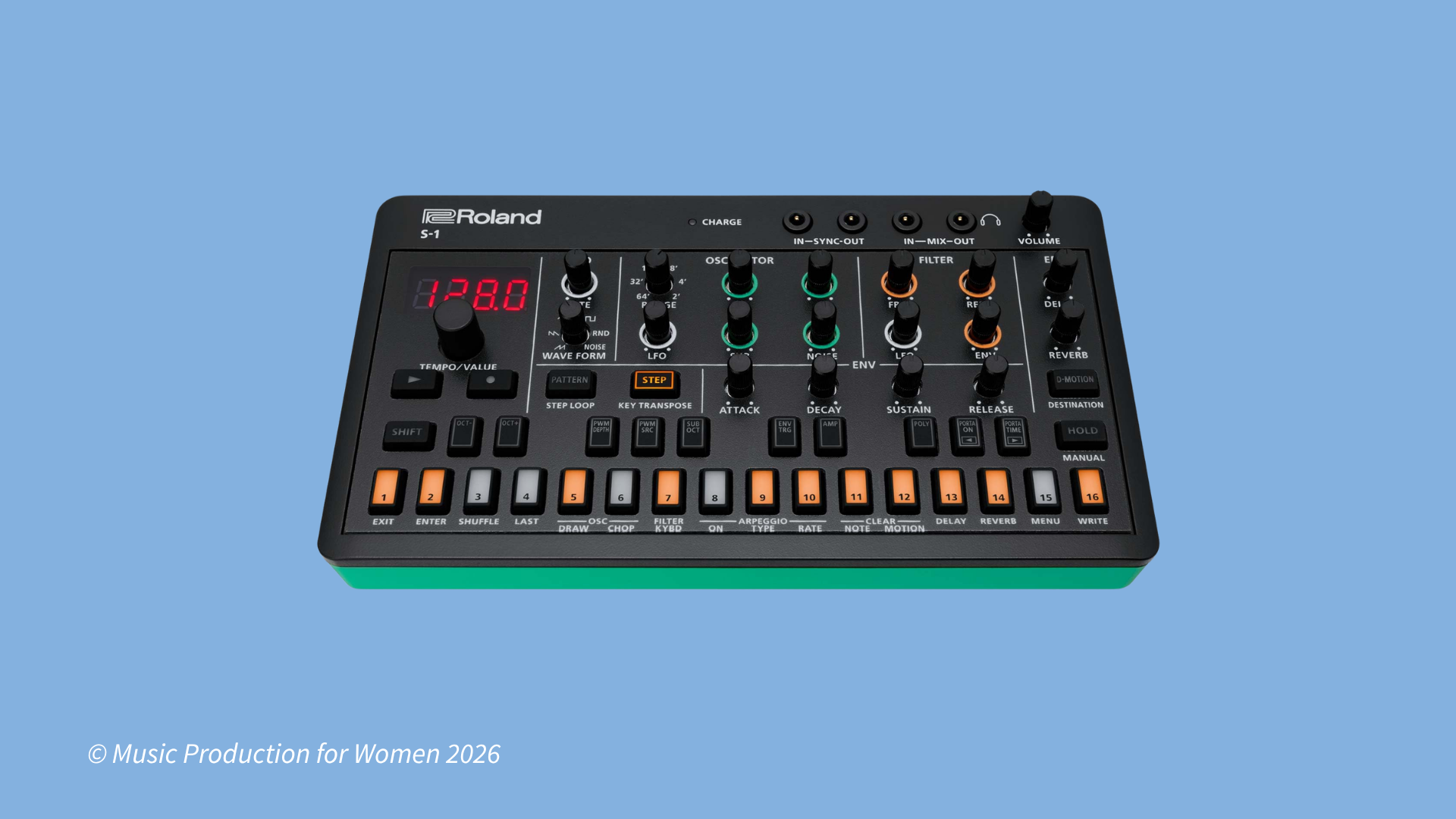
The Roland AIRA Compact S-1 packs four-voice polyphony, sequencing and effects into a small instrument with an internal rechargeable battery.
Its digital sound engine uses Roland’s Analog Circuit Behavior modelling, inspired by the SH-101. It suits basslines, plucky sequences, leads and synth chords.
Why it works for beginners:
The main filter and envelope controls are accessible from the panel. Its 64-step sequencer lets you build repeating ideas, while USB-C audio and MIDI make it convenient to connect to a compatible DAW.
What keeps it interesting:
Motion recording captures control changes in your patterns. Built-in chorus, delay and reverb add movement and space, while D-Motion lets you control assigned parameters by tilting the instrument.
Best for:
Small desks, portable setups and creating patterns with classic Roland-style sounds.
Keep in mind:
The knobs and keyboard buttons are small, and deeper settings involve menus or button combinations. For longer keyboard performances, you may prefer an external MIDI keyboard connected with the appropriate cable or adapter. It’s useful for developing musical ideas on the go, but it isn’t a multitrack production workstation.
Which Beginner Synth Should You Choose?
Listen to demonstrations that match the music you want to make. Then consider which controls and playing surface you’d enjoy using.
Start Creating with Your First Synth
Once you’ve chosen a synth, give yourself a small first project:
Choose a preset or basic starting sound.
Play a short melody or bassline.
Select the soundwave for 1 of your oscillators (Sine, Triangle, Saw, Square)
Adjust the filter cutoff.
Experiment with the envelope’s attack and release.
Record two versions and compare them.
Change one thing at a time so you can hear what it does. When you find something you like, use it in a track.
Ready to go further?
Explore MPW’s introductory music production course and learn the basics of your DAW to start turning your first sounds into finished tracks.